
Testing a smart contract without risking real ETH is a game-changer. The Sepolia testnet lets you do just that. This guide, shows you how to deploy a smart contract using MetaMask and a browser-based Solidity IDE, with free test ETH from the Metana Sepolia Faucet. Let’s jump in.
Why Sepolia Testnet?
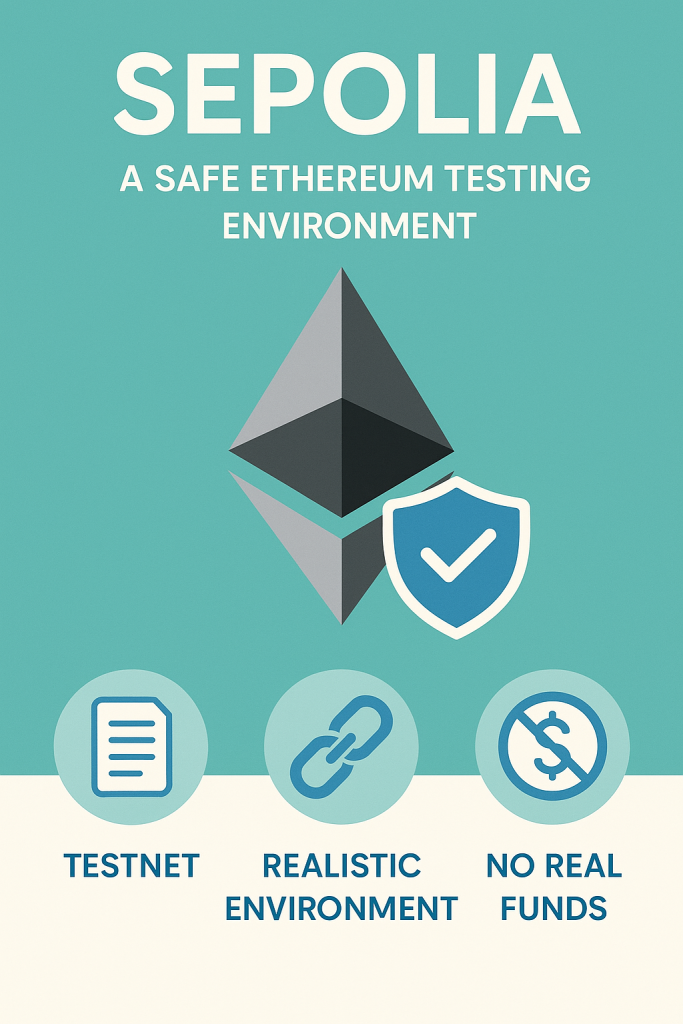
Sepolia is Ethereum’s top testnet for developers. It mirrors mainnet’s proof-of-stake setup and uses free test ETH, making it perfect for testing smart contracts and dApps. This tutorial keeps it simple with a browser-based Solidity IDE and Metana’s ad-free faucet for quick, hassle-free deployment.
Before You Start: What You Need
- MetaMask Wallet: Manages your Ethereum account.
- Browser-Based Solidity IDE: Use any online IDE (e.g., Remix, Vyper IDE) for coding and deploying.
- Basic Solidity Knowledge: Enough to write a simple contract.
- Internet Browser: Chrome or Firefox for MetaMask and the IDE.
Step-by-Step: Deploy Your Smart Contract
Step 1: Set Up MetaMask for Sepolia
Download MetaMask from metamask.io. Add the Sepolia testnet:
- Click the network dropdown > “Add Network” > “Add a network manually.”
- Enter:
- Network Name: Sepolia Testnet
- RPC URL: https://rpc.sepolia.org (or use Infura for stability)
- Chain ID: 11155111
- Currency Symbol: ETH
- Block Explorer URL: https://sepolia.etherscan.io
Save it. MetaMask is now set for Sepolia.
Step 2: Write a Smart Contract
Open a browser-based Solidity IDE. Create a new file named SimpleStorage.sol:
// SPDX-License-Identifier: MIT
pragma solidity ^0.8.20;

contract SimpleStorage {
    uint256 public storedData;

    function set(uint256 _data) public {
        storedData = _data;
    }

    function get() public view returns (uint256) {
        return storedData;
    }
}
This contract stores and retrieves a number. Ideal for beginners. A browser-based IDE simplifies coding without needing local setups.
Step 3: Get Test ETH with Metana’s Faucet
- Gas fees require test ETH.
- Visit Metana’s Sepolia Faucet, a fast, ad-free tool for Web3 learners.
- Paste your MetaMask wallet address, complete any quick verification (e.g., Google sign-in), and request 0.06 Sepolia ETH (available daily).
- Funds arrive in 1-5 minutes.
- Check your balance in MetaMask or on Sepolia Etherscan.
Check out our easy guide to grab Sepolia ETH for your smart contract testing or web3 learning journey!
Step 4: Compile Your Contract
In your Solidity IDE, find the compiler tab:
- Select Solidity version 0.8.20.
- Click the compile button for
SimpleStorage.sol. - Look for a confirmation (e.g., a green checkmark) that there are no errors.
Fix any errors by checking your code’s syntax or version.
Step 5: Deploy to Sepolia
In the IDE’s deployment tab:
- Set the environment to “Injected Provider” or “MetaMask.”
- MetaMask will pop up; confirm it’s on Sepolia.
- Select SimpleStorage as the contract.
- Click “Deploy” and approve the transaction in MetaMask.
Wait a few seconds. The IDE will show your contract’s address post-deployment.
Step 6: Verify Your Deployment
Go to Sepolia Etherscan and paste your contract address (from the IDE). Ensure the “From” address matches your MetaMask wallet and “To” shows “Contract Creation.” This confirms your contract is live.
[PRO TIP: Save your contract address for easy reference later.]
Step 7: Interact with Your Contract
In the IDE’s deployed contracts section, expand your contract’s address. Test functions like set (e.g., input 42) and get to check the stored value. Approve any gas fees in MetaMask for set calls.
Avoid These Common Mistakes
- Low Test ETH: Grab more from Metana’s Faucet if your balance is below 0.01 ETH.
- Wrong Network: Double-check MetaMask is on Sepolia.
- Private Key Exposure: Browser-based IDEs don’t need your private key, so keep it safe.
- Compilation Errors: Ensure your Solidity version matches the contract’s pragma.
Next Steps
Your contract is live! Now, try verifying it on Etherscan, building a dApp frontend, or joining Metana.io’s Ethereum Developer Bootcamp to level up your Web3 skills.
FAQs
What is the Sepolia testnet?
Sepolia is an Ethereum testnet for testing dApps and contracts with free test ETH.
Why use Metana’s Sepolia Faucet?
It’s ad-free, beginner-friendly, and provides 0.06 ETH daily with minimal steps.
How long does test ETH take to arrive?
Typically 1-5 minutes, depending on network traffic.
What if my deployment fails?
Check your ETH balance, network settings, and code. Use the IDE’s error logs to debug.

Written by
Metana Editorial
Powered by Metana Editorial Team, our content explores technology, education and innovation. As a team, we strive to provide everything from step-by-step guides to thought provoking insights, so that our readers can gain impeccable knowledge on emerging trends and new skills to confidently build their career. While our articles cover a variety of topics, we are highly focused on Web3, Blockchain, Solidity, Full stack, AI and Cybersecurity. These articles are written, reviewed and thoroughly vetted by our team of subject matter experts, instructors and career coaches.
More from Metana Editorial →