
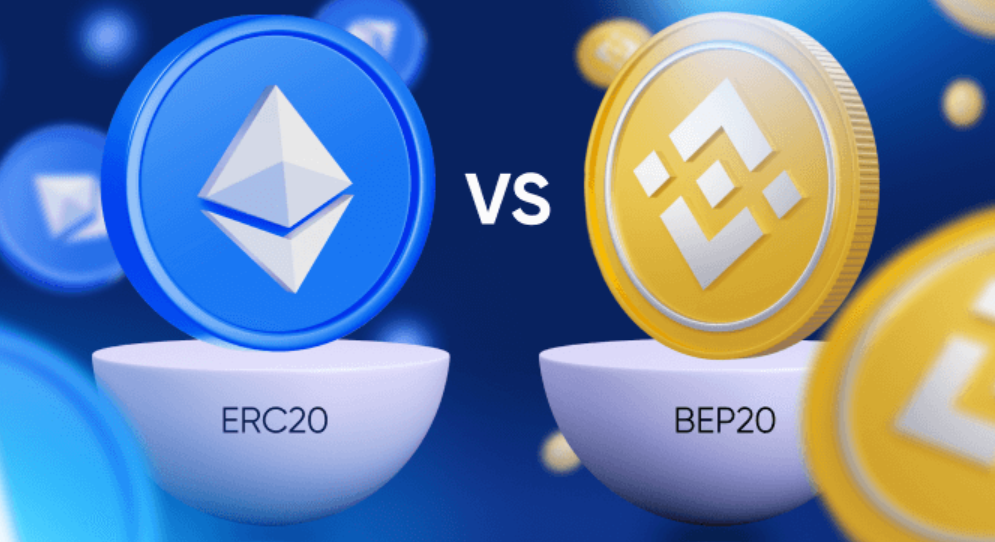
ERC-20 and BEP-20 are token standards that define technical guidelines and specifications for tokens. These standards specify all methods of transactions, deposits, and withdrawals. ERC-20 and BEP-20 standardize how tokens interact with different wallets, projects, and smart contracts.
While similar in mechanism, ERC-20 is dedicated to Ethereum, and BEP-20 is dedicated to Binance Smart Chain (BSC). Each standard belongs to a different blockchain. Sending cryptocurrency to the wrong network can create issues; for instance, Ethereum sent to BSC cannot be used with Ethereum DApps and smart contracts.
What Happens if I Send a Token to the Wrong Blockchain?
Sending an ERC-20 token to BSC or a BEP-20 token to Ethereum credits the token to the same wallet address on the selected network. Your BSC and Ethereum wallet addresses are the same and can be accessed with the same private key.
For example, if you send ETH via BSC, it will become a BEP-20 token pegged to ETH on the BSC wallet address. You can find the transaction ID on BscScan.com. Similarly, if you send a BEP-20 token over the Ethereum network, you can check it on Etherscan.io.
Recovery from Wallets Supporting Both BSC and Ethereum
For wallets supporting both blockchains, finding a token should be straightforward. If you can’t find the cryptocurrency, check the toggle list for each network’s token. If the coin is not listed, you’ll need to enter a token contract in your wallet, a common practice with BEP-20 wallets.
Using Binance Bridge
Binance Bridge is a tool for converting assets between blockchains. Connect MetaMask or your Binance Chain Wallet and select the assets to migrate. Note that BNB is required for BSC and ETH is required for Ethereum as a gas fee. If you’re testing on BSC, you can get free BNB from the BNB Testnet Faucet.
Manual Conversion
To manually convert a token, send the cryptocurrency back to Binance. The deposit network in the Binance wallet must match the blockchain on which the token is currently located. Once received, you can select the desired blockchain and return the token to your external wallet.
For example, to convert Binance-Peg ETH (BEP-20) back to ERC-20 ETH:
- Ensure the wallet you’re sending from has BNB for gas fees.
- On Binance’s Cryptocurrency Withdrawal page, select ETH and BEP-20 (BSC) as your deposit network. Depositing on the wrong network means Binance cannot recover your funds.
- When ETH returns to your Binance account, select Ethereum (ETH) ERC-20 as your forwarding network and withdraw to a wallet that supports Ethereum.
Recovery from a Wallet Supporting Only BSC or Ethereum
If your wallet supports only one blockchain, you need to import the private key into a new wallet supporting both blockchains. Some BEP-20 wallets allow using a seed phrase instead of a private key.
Importing a Private Key
Importing a private key into another wallet gives you access to the assets associated with that key, even if you use a different wallet. Importing the private key does not send funds; it allows you to access the wallet from a different app. Note that custodial wallets do not provide a private key.
Common wallets for both blockchains include Metamask, Trust Wallet, Math Wallet, SafePal, and Token Pocket. Here’s how to use MetaMask’s Google Chrome extension to recover ETH accidentally sent to BSC:
- Access MetaMask: Create a new wallet if you don’t have one. MetaMask is available for both iOS and Android. If you create a new account, you can import the seed phrase for your old wallet.
- Import Account: Click the MetaMask extension pin, then your account profile in the upper right corner. Click “
Import Account” and enter the private key of the wallet where you accidentally sent the cryptocurrency. Click “Import.” You can also upload a JSON file if you have one. - Add BSC Network: Manually add the BSC network to your MetaMask account. Click the network drop-down menu in the upper right corner and select “
Custom RPC.” - Enter Network Details: Add the necessary details for MetaMask to access the Binance Smart Chain, including the Remote Procedure Call (RPC) URL.
- Add Token Contract: Add the correct token contract to your MetaMask wallet. Find the token contract on BscScan. For ERC-20 tokens sent to BSC, look for “
Binance-Peg Ethereum Token (ETH)” to find the token contract. - Select Network and Add Token: Select BSC Mainnet from the network drop-down list, click “
Add Token,” and then click “Custom Token.”
By following these steps, you can recover tokens sent to the wrong blockchain and ensure they are usable on the intended network, all while effectively managing your BEP-20 wallets.
FAQs
What is Binance Bridge?
Binance Bridge is a tool that allows you to convert assets between different blockchains, such as Ethereum and Binance Smart Chain (BSC), enabling cross-chain compatibility.
What wallets can I use with Binance Bridge?
You can connect MetaMask, Binance Chain Wallet, or other compatible Web3 wallets.
Why do I need BNB or ETH to use the bridge?
BNB is used to pay gas fees on BSC, while ETH is used for gas fees on Ethereum. These are required to complete any on-chain transaction.
How can I get BNB for testing on BSC testnet?
You can receive free testnet BNB from the BNB Testnet Faucet for development or testing.
Can I bridge testnet tokens with Binance Bridge?
No, Binance Bridge supports mainnet tokens only. For testnet activity, use testnet tools and faucets instead.

Written by
Metana Editorial
Powered by Metana Editorial Team, our content explores technology, education and innovation. As a team, we strive to provide everything from step-by-step guides to thought provoking insights, so that our readers can gain impeccable knowledge on emerging trends and new skills to confidently build their career. While our articles cover a variety of topics, we are highly focused on Web3, Blockchain, Solidity, Full stack, AI and Cybersecurity. These articles are written, reviewed and thoroughly vetted by our team of subject matter experts, instructors and career coaches.
More from Metana Editorial →